General
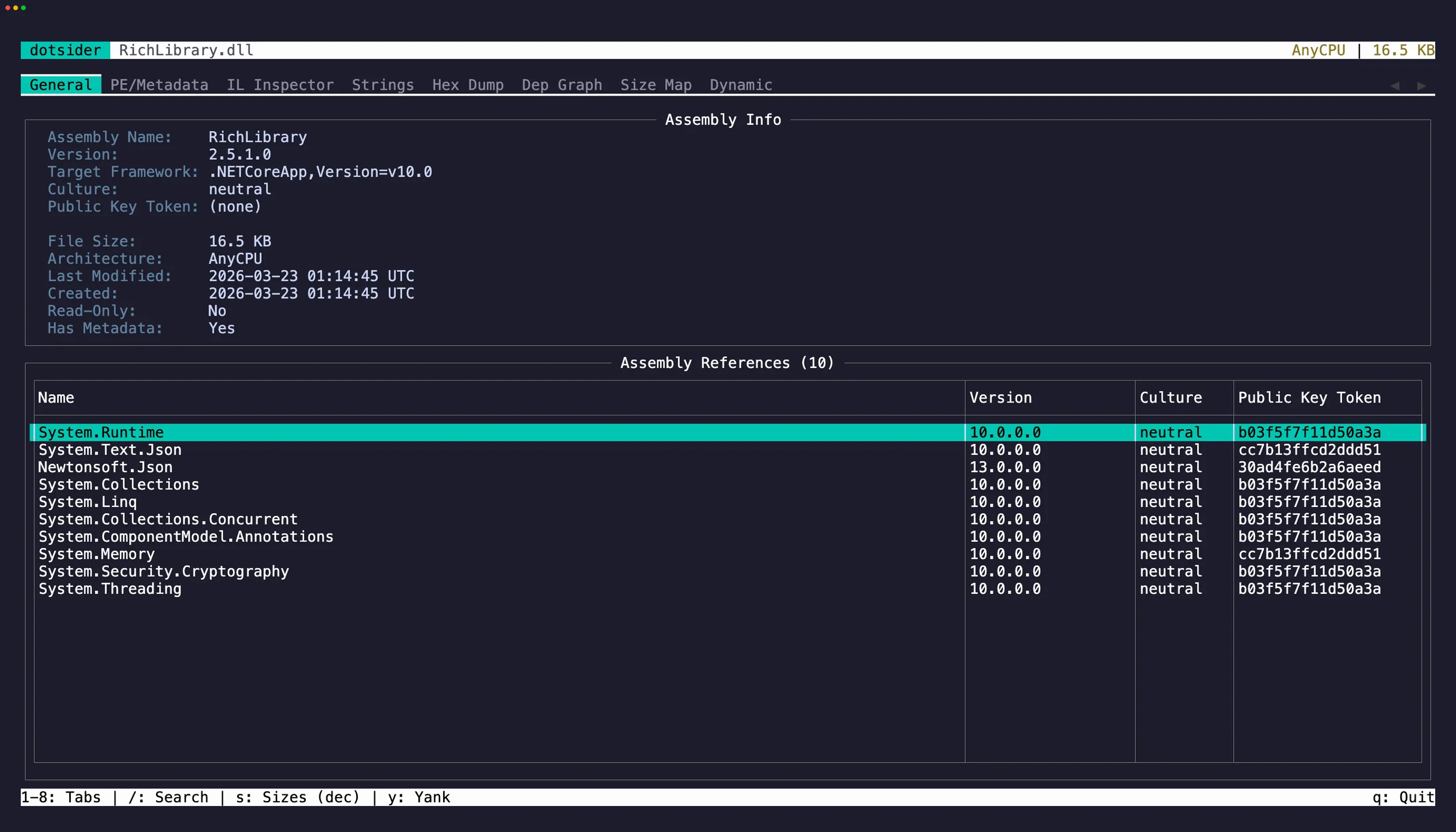
The General tab (1) is the first thing you see when opening an assembly. It shows:
- Assembly identity — name, version, culture, public key token
- Target framework — which .NET version the assembly targets
- Architecture — AnyCPU, x64, ARM64, etc.
- Dependency table — all referenced assemblies with their versions
Text selection and copy
Section titled “Text selection and copy”The Assembly Info panel is a read-only editor. Click into it or press Tab to move focus there, then select text with click-drag or Shift + arrow keys. Press y to yank the selection to the clipboard.
You can also use vim-style text objects: iw selects the word under the cursor, iW selects a whitespace-delimited WORD (handy for grabbing a version string or assembly name in one keystroke). yiw and yiW select and copy in one motion.
On the dependency table, focus a row and press y to copy it as tab-separated values. Press Tab to cycle focus between the info panel and the table.
Drill into references
Section titled “Drill into references”Select any row in the dependency table and press Enter. If the referenced assembly exists on disk (next to the current file or in a probing path), dotsider opens it in a new analysis context. Press Esc to return.
This lets you walk an entire dependency chain without leaving the TUI.