Strings
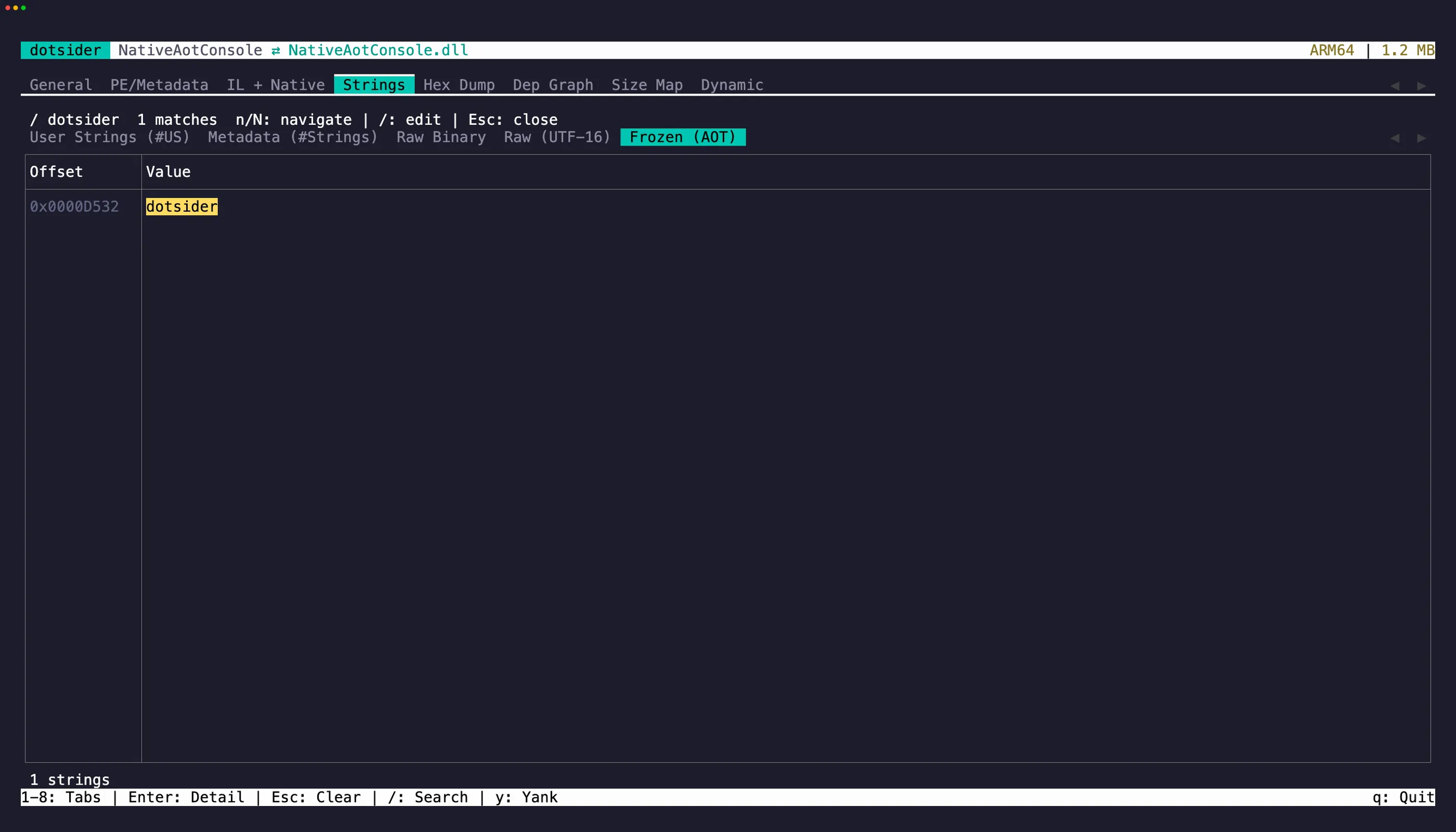
The Strings tab (4) extracts text from five sources:
- User strings — string literals from the
#USmetadata heap (the strings your code uses directly) - Metadata strings — type names, method names, namespace names from the
#Stringsheap - Raw scan — ASCII string extraction from the entire file, similar to the Unix
stringscommand - Raw (UTF-16) — UTF-16 string extraction from the entire file; managed string literals freeze as UTF-16 in Native AOT images, so this sub-tab is where an AOT binary’s string constants appear
- Frozen (AOT) — frozen
stringliterals recovered from a Native AOT binary’s frozen object region, the AOT counterpart of the#USheap. On Windows and macOS the region is read from the file; on Linux it is a zero-fill region the runtime rebuilds at startup, so dotsider rehydrates the dehydrated data to recover the same literals
Copy strings
Section titled “Copy strings”Press y on a focused table row to copy the string value to the clipboard. Press Enter to open a detail popup where you can select and copy specific portions of longer strings. In the detail popup, iw and yiw let you grab individual words without reaching for the mouse. V and yy work for full-line selection and copy.
Minimum length
Section titled “Minimum length”Use the --min-len / -n flag to control the minimum length for both raw scans:
dotsider MyApp.dll -n 8The default minimum is 4 characters. Increase it to reduce noise in large assemblies. Inside the TUI, + and - adjust it live on either raw sub-tab.