NuGet Mode
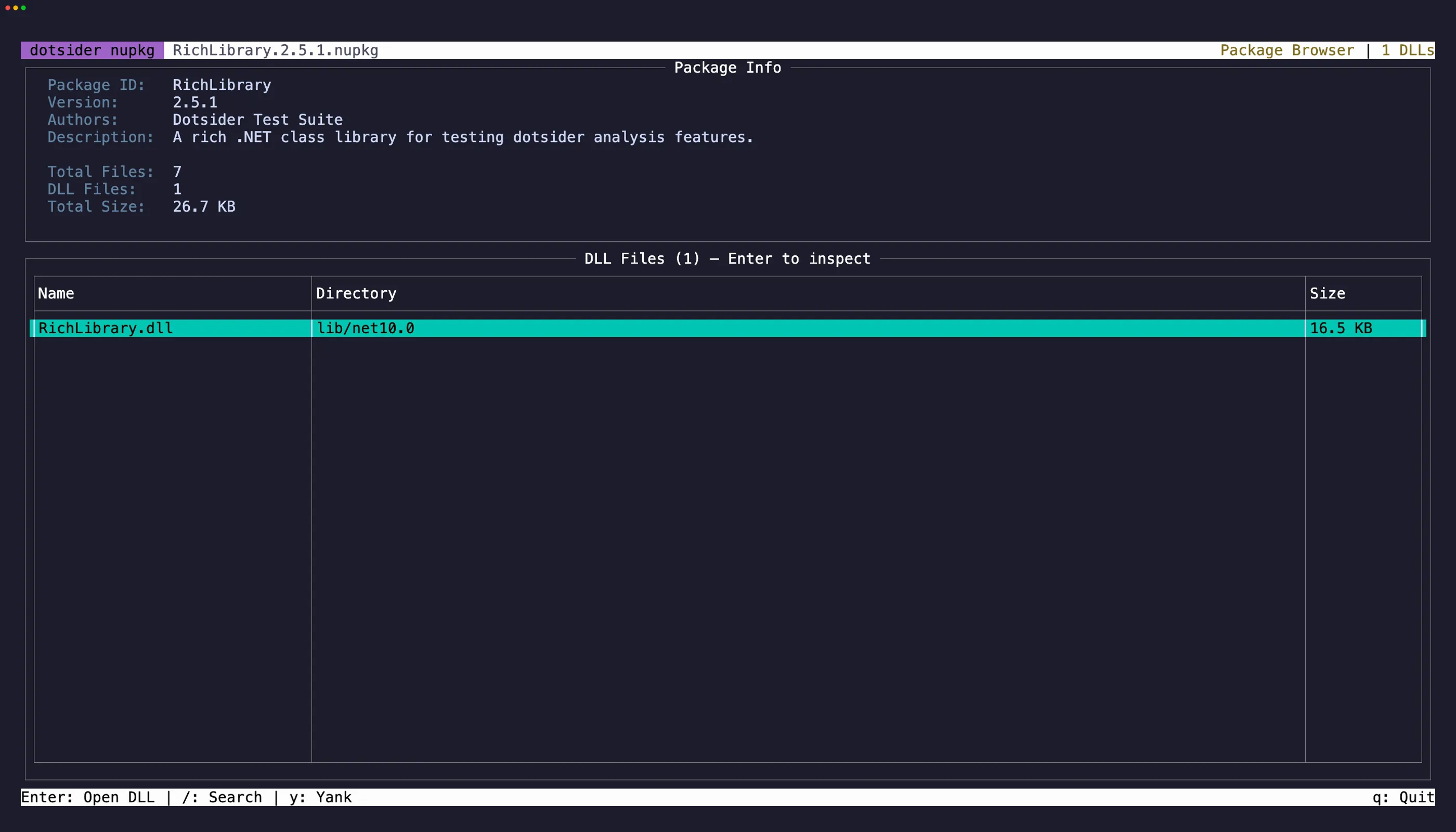
Open any .nupkg file directly:
dotsider package.nupkgdotsider lists the package contents — the .nuspec manifest, lib folders per target framework, and any other files. Select a DLL and press Enter to open it in the full analyzer with all 8 tabs.
NuGet packages are ZIP files. dotsider extracts assemblies to a temp directory for analysis, so everything works exactly as it does with regular DLLs.
Navigation
Section titled “Navigation”Press Tab to cycle focus between the Package Info panel and the DLL table. Press Esc to return from a DLL inspector back to the package browser. The previously selected DLL row is restored.
Select text in the Package Info panel and press y to copy. iw and yiw work here for quick word selection. On the DLL table, focus a row and press y to copy the file path.